A packaging mockup is most effective when it accurately reflects the final product appearance and feel. Printing directly on the actual substrate can highlight differences in color, surface, and finishing that a digital proof might not capture. For print shops, this creates a more reliable way to evaluate packaging concepts, produce short runs, and demonstrate finishing options before full production.
Start With the Right Printer for Packaging Prototyping
A realistic package begins with printing on materials that match the actual production substrate. Rather than using standard proofing stock and trying to simulate the final result, print providers can create samples directly on packaging materials, then cut, fold, and assemble them.
The ValueJet 628MP and ValueJet 1628MH are designed for this type of job, using MP31 multi-purpose ink to print on various packaging substrates. The VJ-628MP handles 24-inch roll media, making it suitable for smaller packaging prototypes and short runs. Meanwhile, the VJ-1628MH extends up to 64 inches and supports both roll and rigid media, providing more flexibility for larger packaging parts and diverse substrate types.
This flexibility is particularly useful when a shop handles more than one type of packaging project. A single workflow can accommodate different materials without requiring the shop to approach every prototype as a separate printing process.
MP31 Ink for a Wide Range of Packaging Substrates
The ink is an important part of packaging prototyping because the printed sample needs to maintain the characteristics of the material underneath it. MP31 ink bonds directly to the substrate while maintaining the material's look and surface characteristics. Its flexibility also allows printed pieces to be bent, folded, and processed without cracking.
MP31 ink can be used for packaging materials including: SBS board, corrugated, metallic and non-metallic films, shrink films and sleeves.
Why Printing on the Actual Substrate Matters
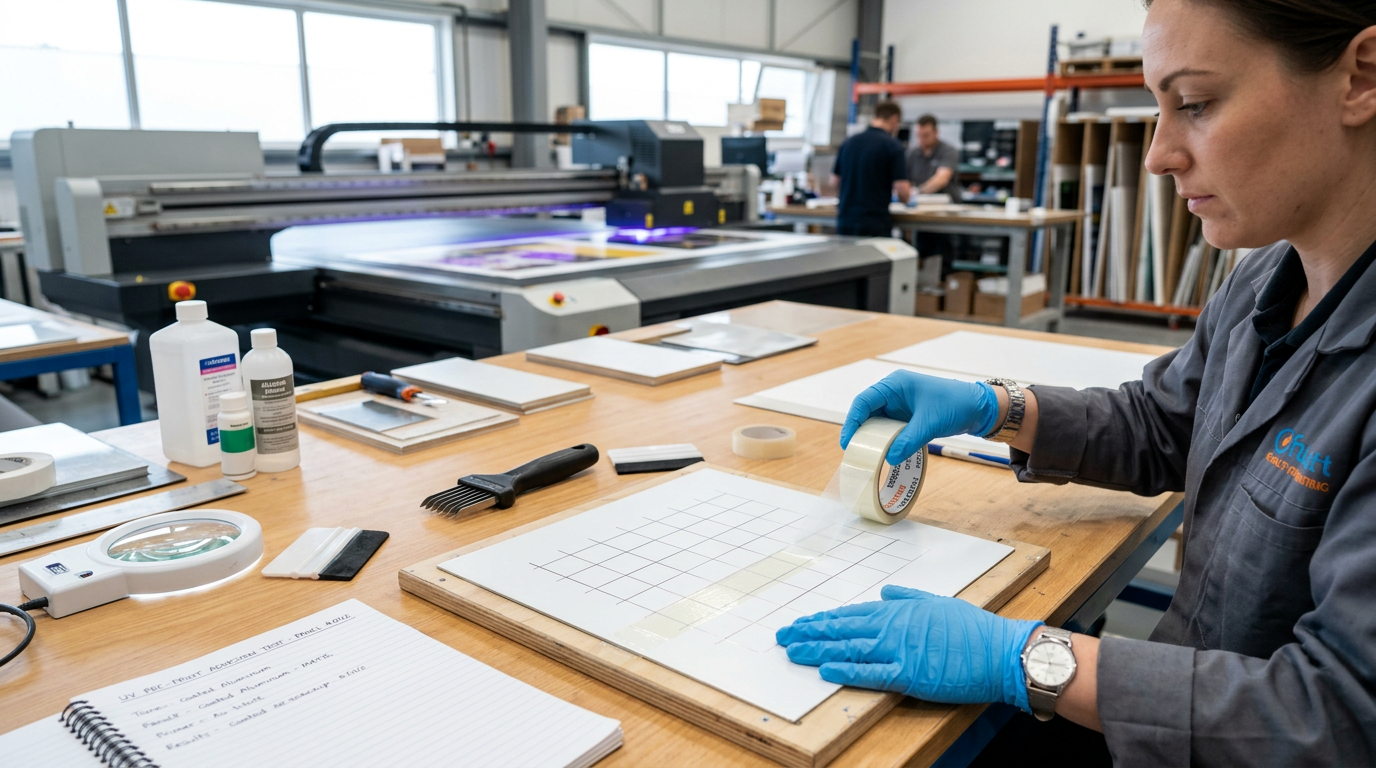
Color and surface appearance can change when ink is transferred from a digital representation to a physical material. Metallic films can reflect light differently from non-metallic films, while coated boards and corrugated materials can produce different visual results. Printing on the actual substrate allows a customer to evaluate those characteristics before production.
What Is Embellishment in Packaging?
Once the base packaging has been reproduced, digital embellishment can add another layer to the prototype.
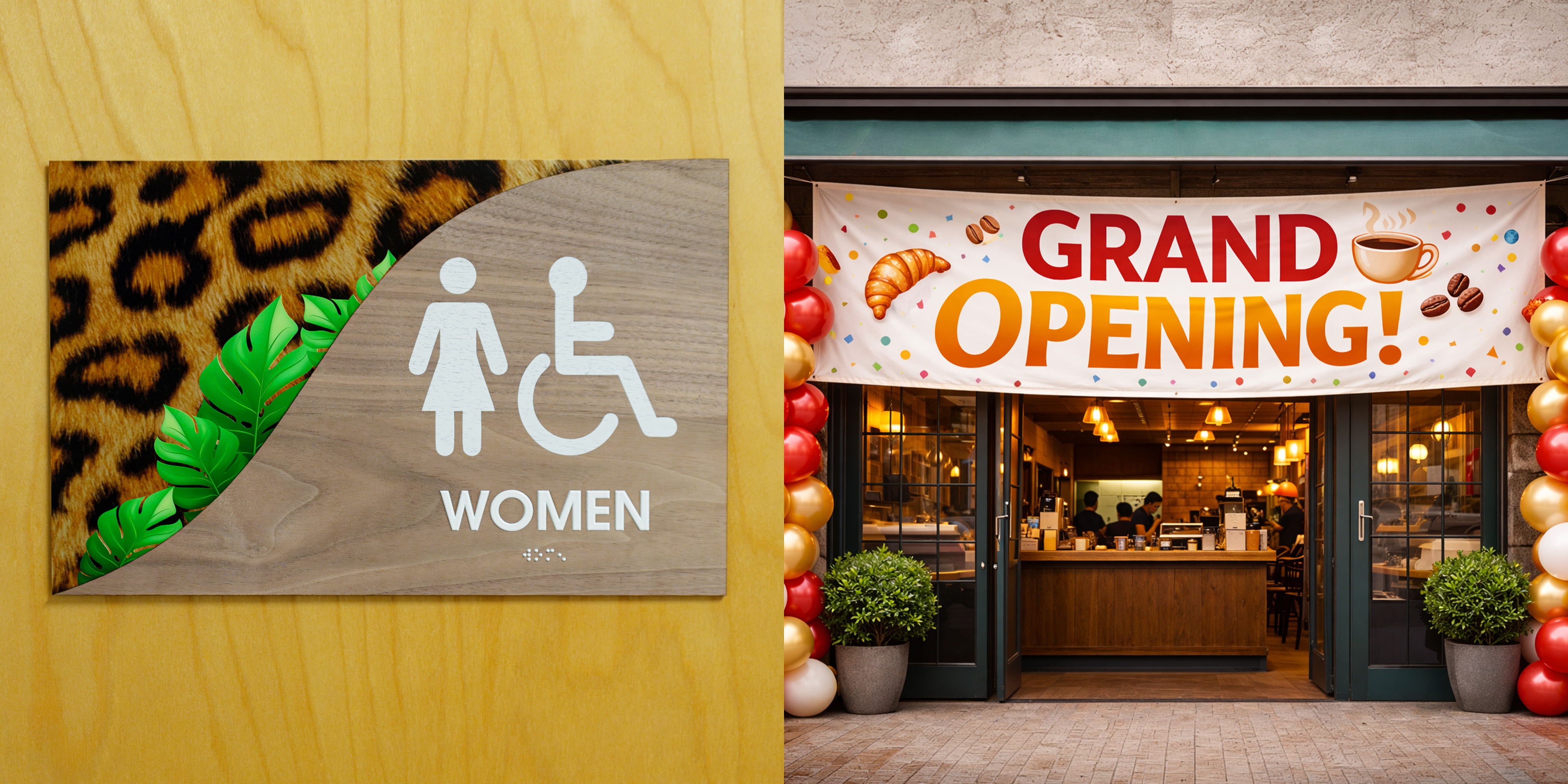
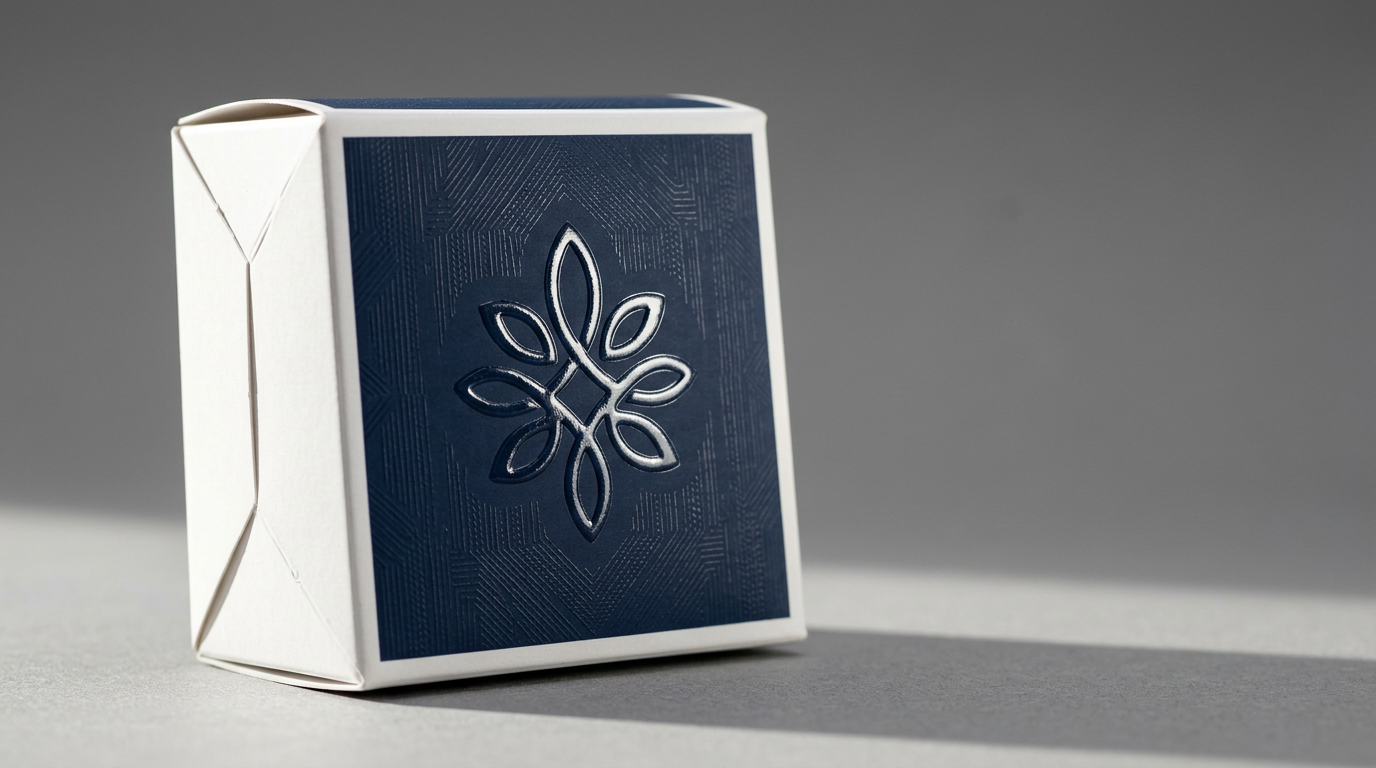
Packaging embellishment refers to applying visual or tactile effects to specific parts of a package to create contrast, add dimension, or create a unique surface. Instead of modifying the entire packaging mockup, your print shop can emphasize specific elements such as a logo, product name, pattern, or graphic.
Common examples include:
- Raised textures.
- Spot gloss.
- Matte and gloss contrast.
- Tactile patterns and accents.
The goal is not just to enhance the packaging's appearance. Selective embellishment can help direct attention, reinforce a brand element, or demonstrate how a premium finishing concept could look and feel in production.
How MUTOH UV Printers Add Embellishment
UV printing can complement the packaging prototype workflow by adding effects that change the surface appearance or create tactile details. MUTOH UV platforms, including the XpertJet 461UF, XpertJet 661UF, XpertJet 1462UF, and ValueJet 1638UH Mark II, support combinations of CMYK, white, and varnish that can be used for digital embellishment applications.
Instead of considering embellishment as a separate design element, the UV process can incorporate selected effects directly into the printed material.
Create Raised Textures
Applying multiple varnish layers builds up height in selected areas, forming raised logos, patterns, or other details. The result gives the customer something physical to see and feel instead of relying on a visual simulation.
Add Spot Gloss
Varnish can also be applied selectively to create glossy areas against an untreated or matte surface. This can emphasize a logo, illustration, pattern, or product name without covering the entire packaging.
Create Matte and Gloss Contrast
Combining treated and untreated areas can generate surface contrast, offering subtle visual separation on a package while preserving the overall design.
Add Tactile Patterns and Accents
Embellishment can also be used for smaller details, such as decorative patterns, borders, or selected graphic elements. Applying the effect only where it adds value can make the finishing more intentional.
Bring More Packaging Possibilities In-House
For print shops, the value of this workflow extends beyond producing a single prototype. Having the ability to print on different packaging substrates and add digital finishing effects can create more opportunities to support customers throughout the packaging mockup development process.
Instead of outsourcing every specialty sample or limiting prototypes to standard printed proofs, your shop can offer a broader range of packaging work in-house. This can include substrate testing, packaging mockups, short-run packaging, and embellishment.
For customers, that means more opportunities to evaluate a packaging idea before committing to production. For print providers, it creates an opportunity to expand into packaging, offer additional value-added services, and take on a wider range of prototype and short-run work.
Ready to explore packaging prototyping and digital embellishment? Request a Sample or Find Your Nearest Dealer.